🔥 Notice: Get cashback on your LAWSON Deposits



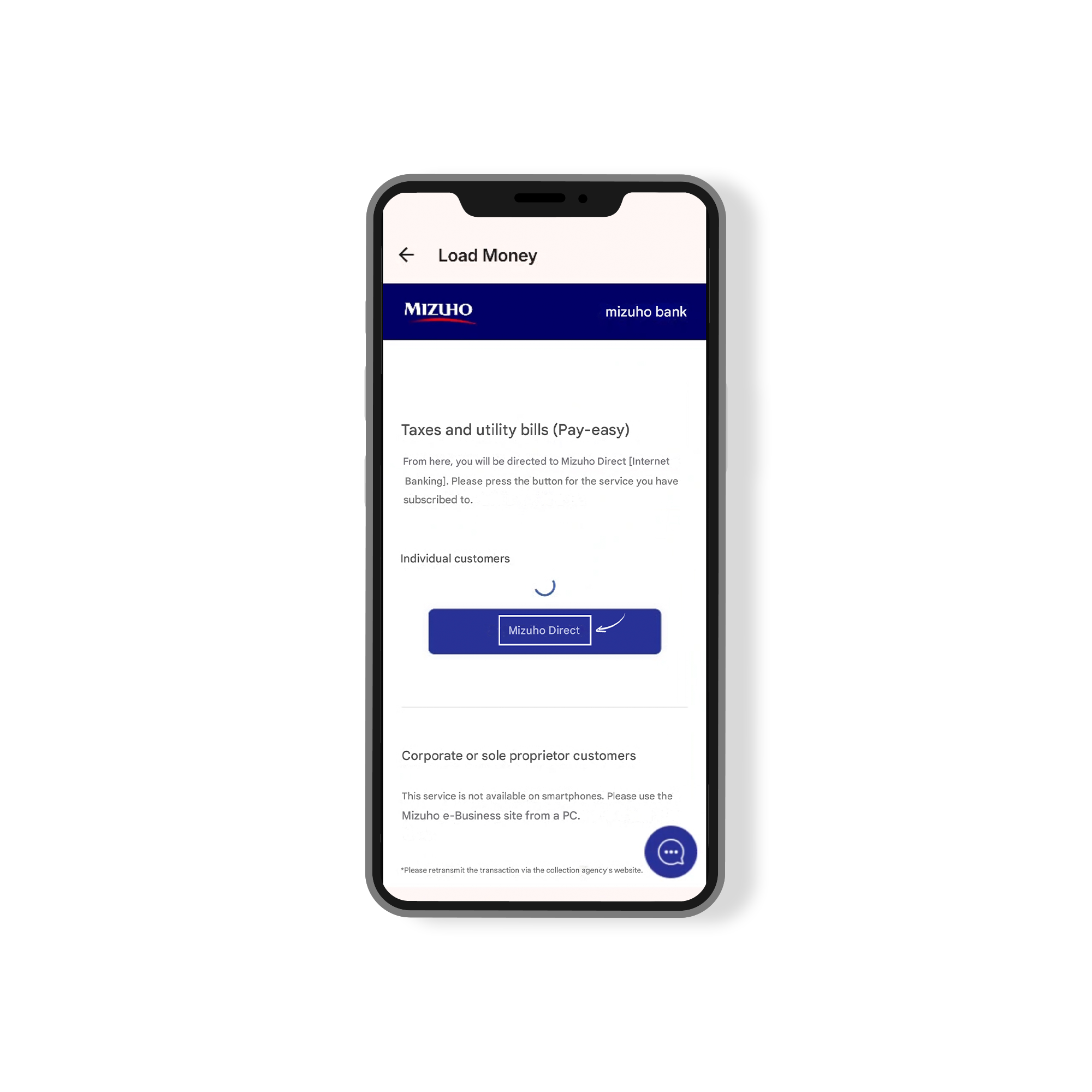
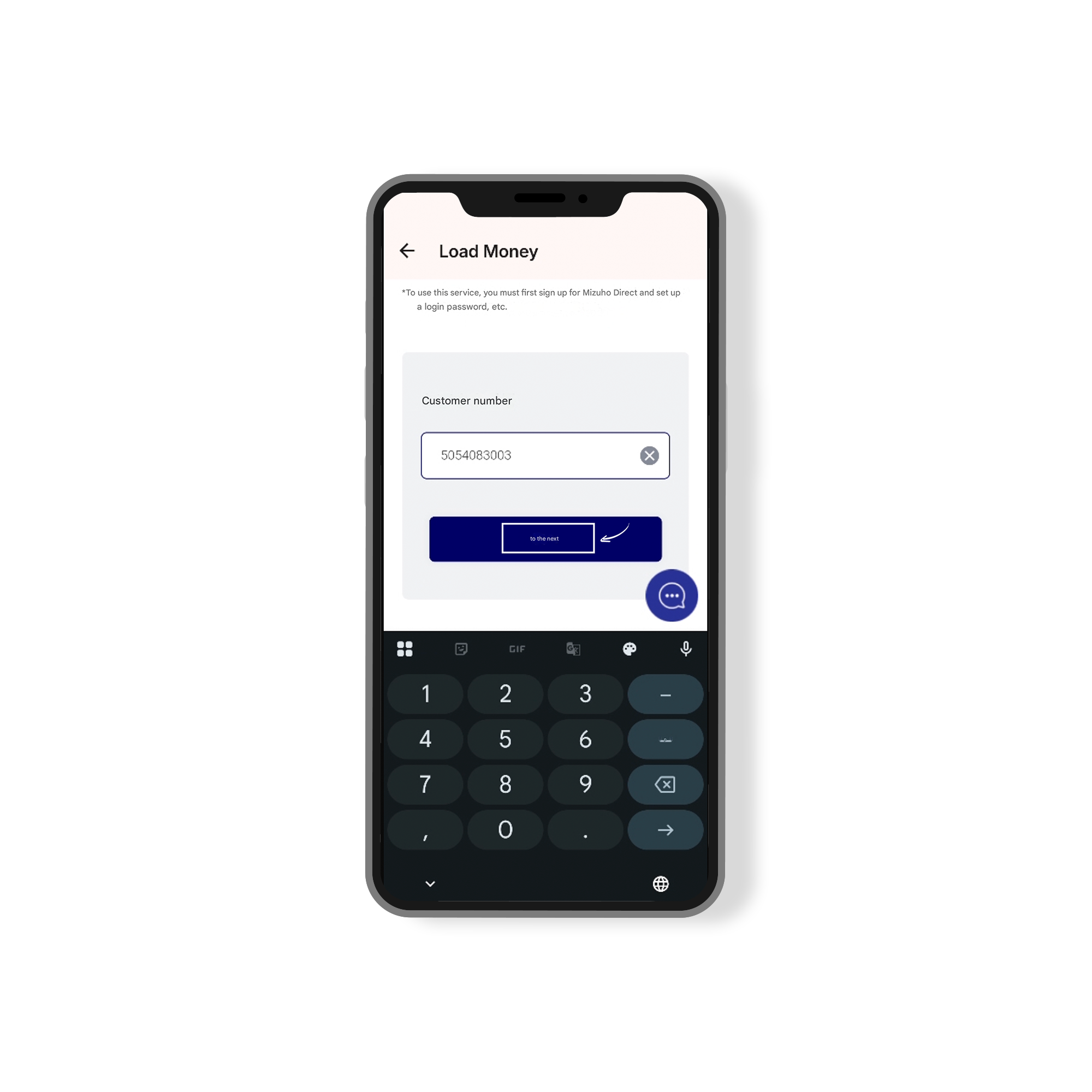
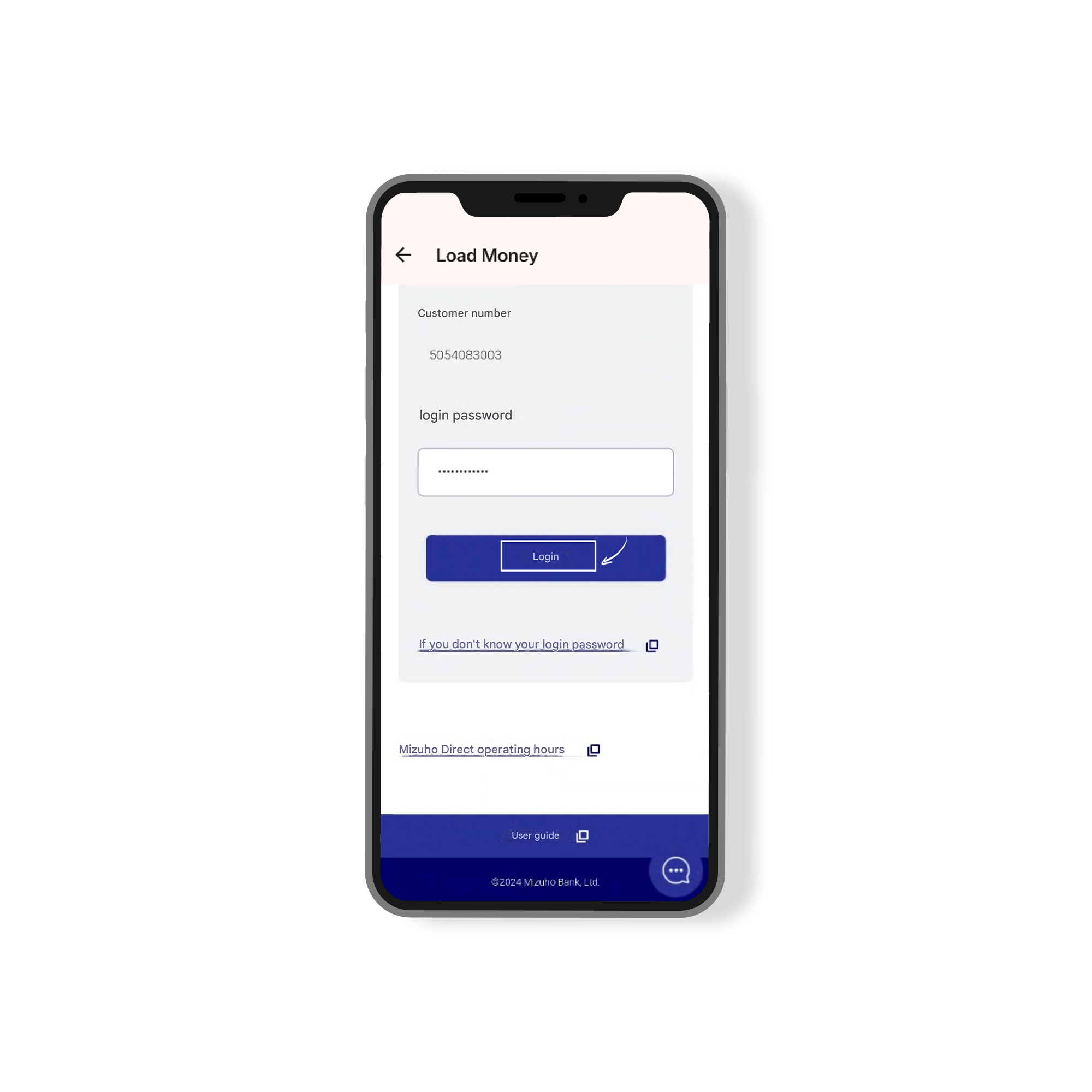
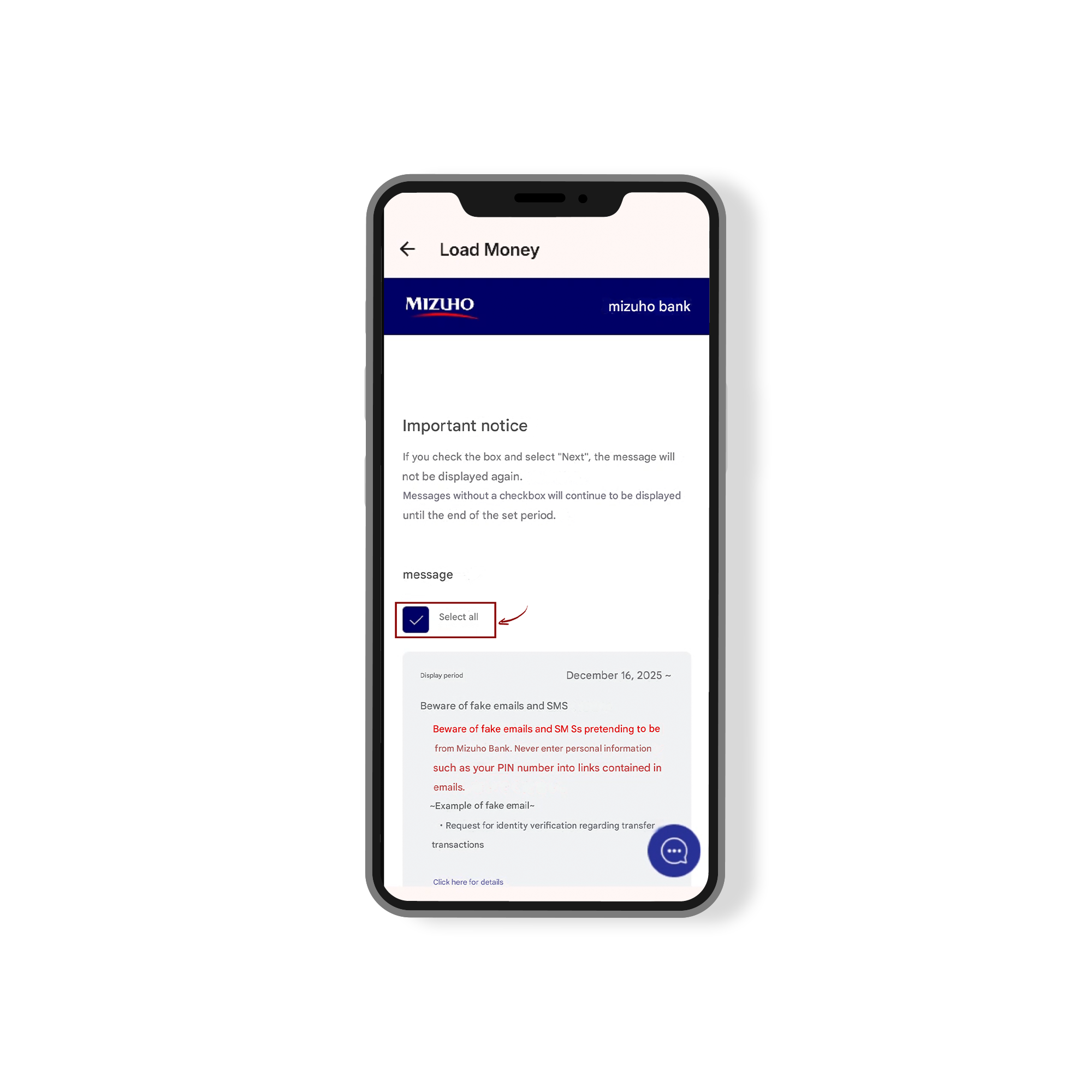
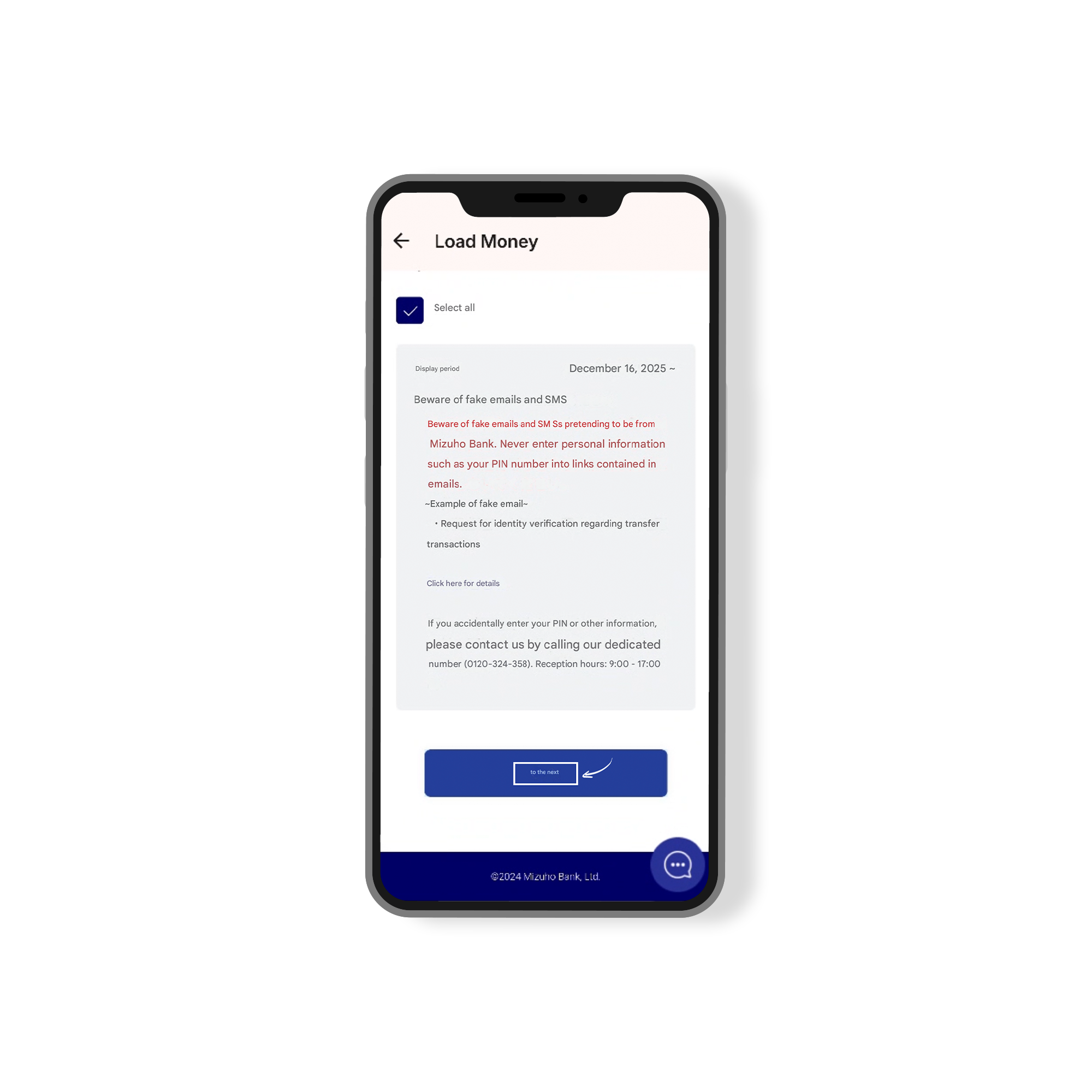
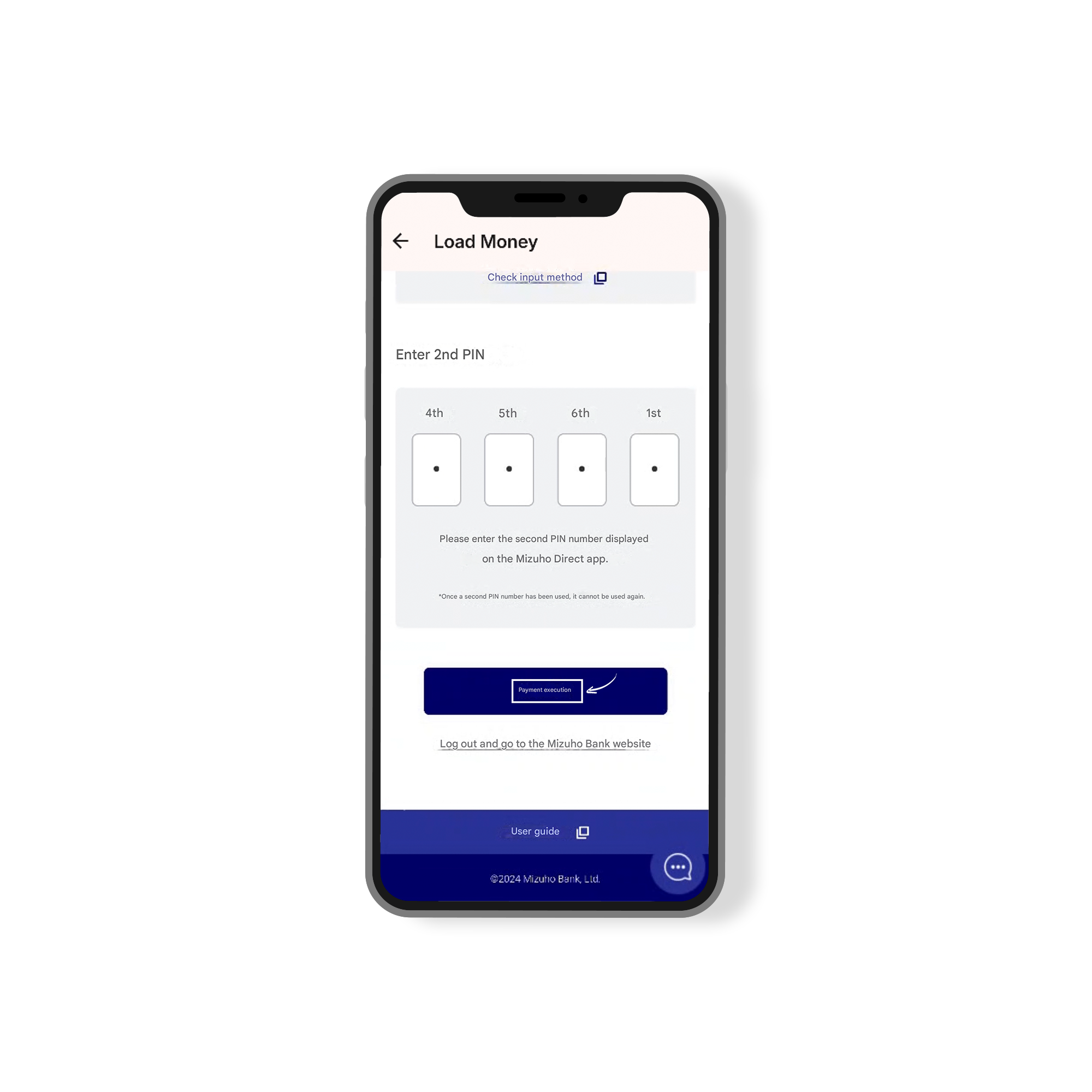
How to Load Money via Mizuho Bank
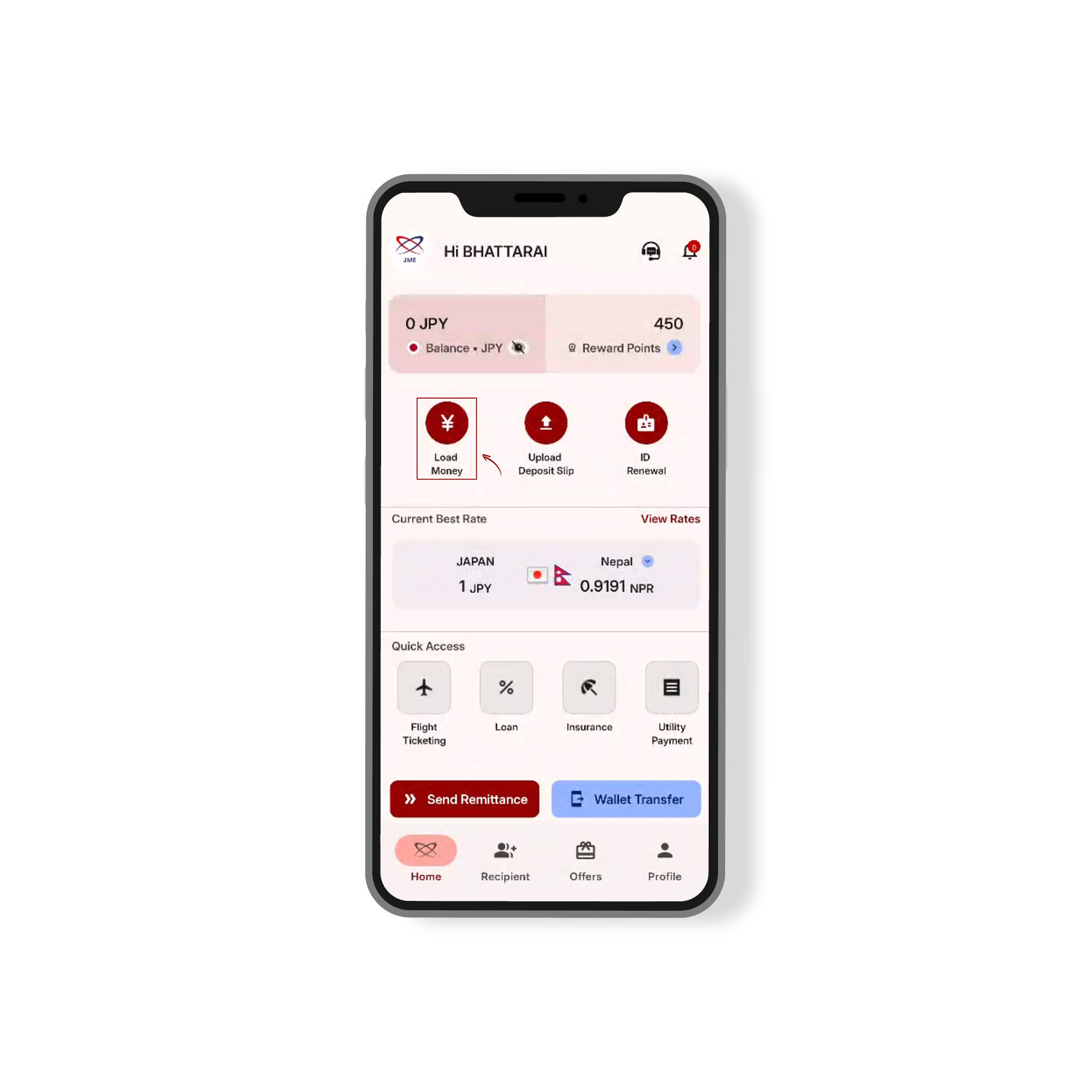
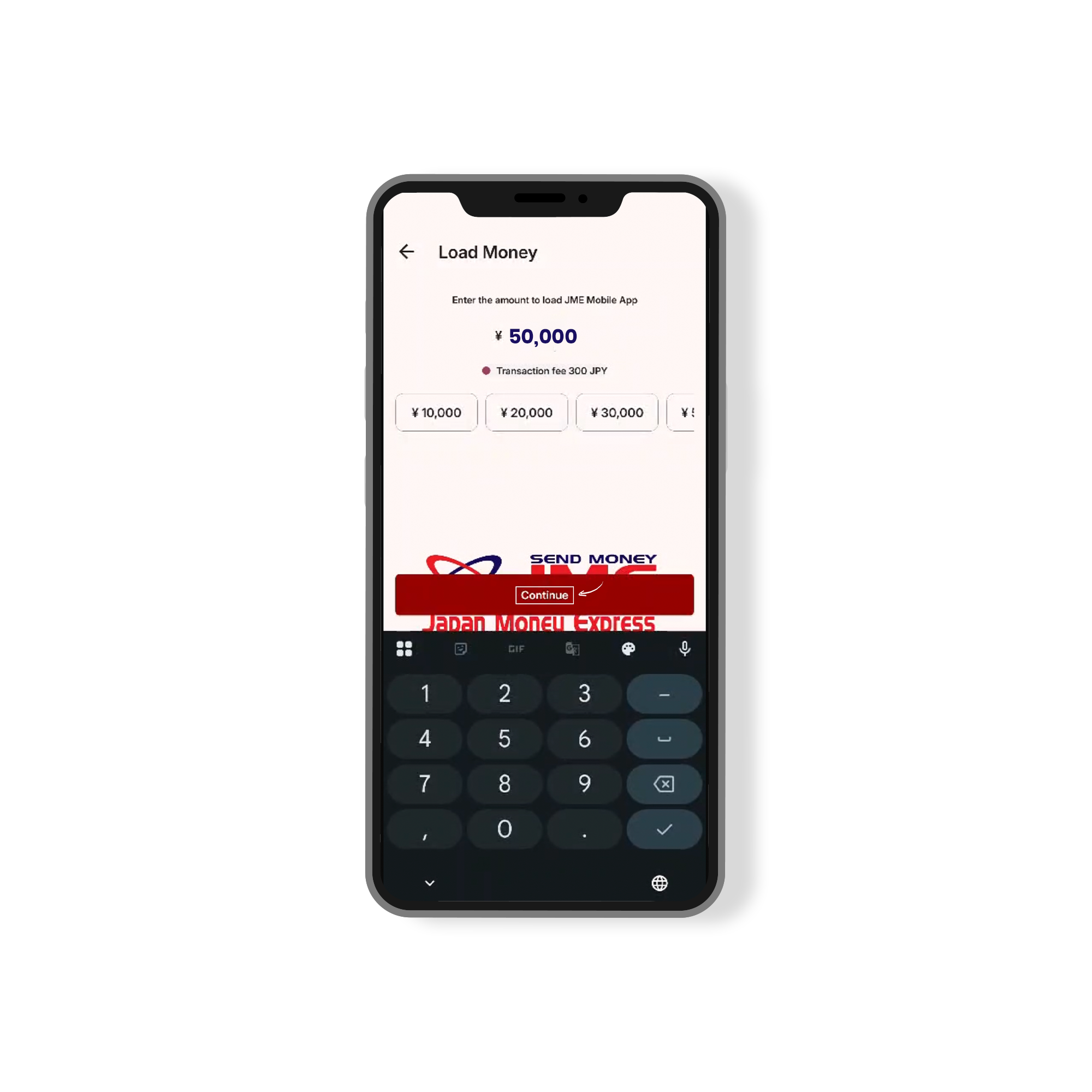
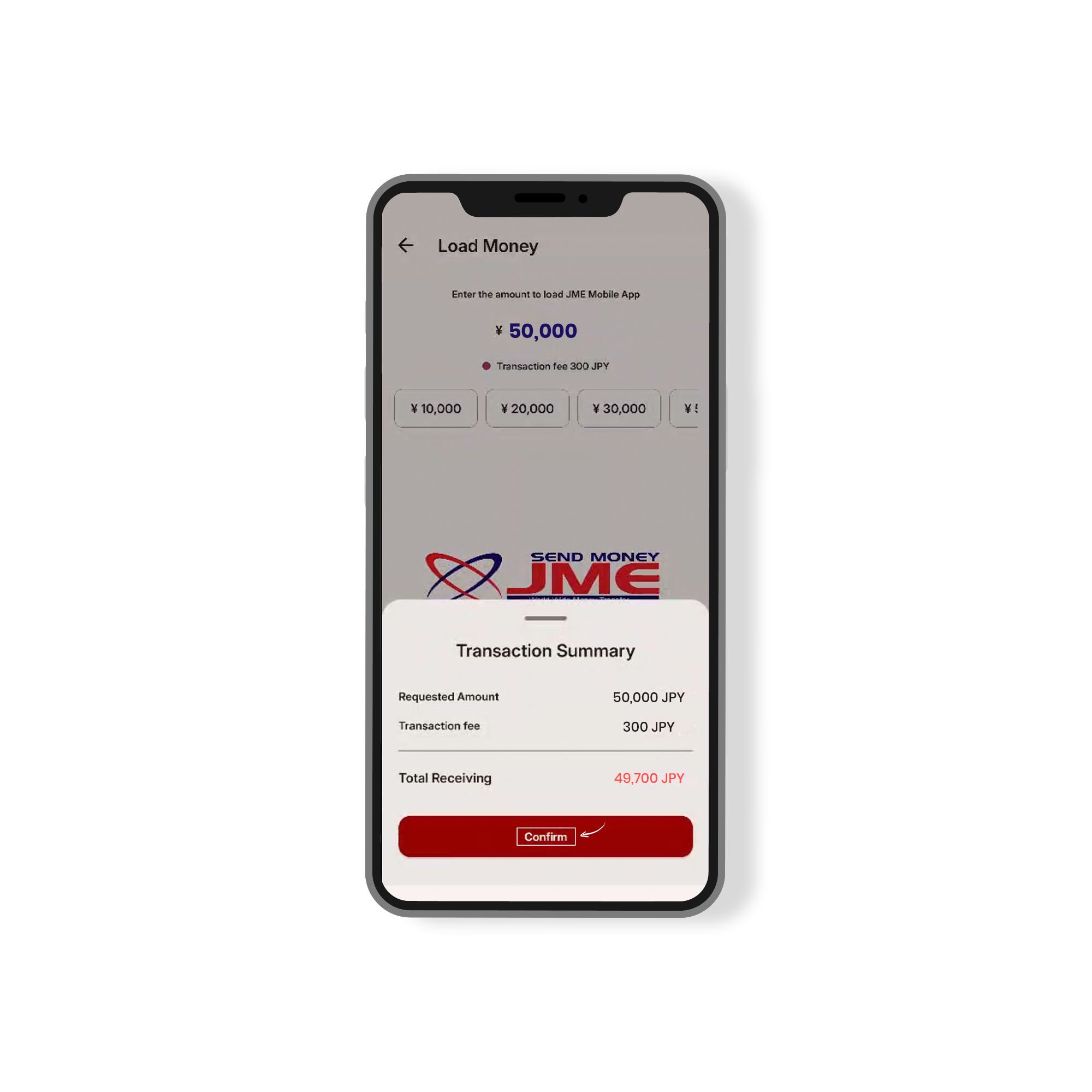
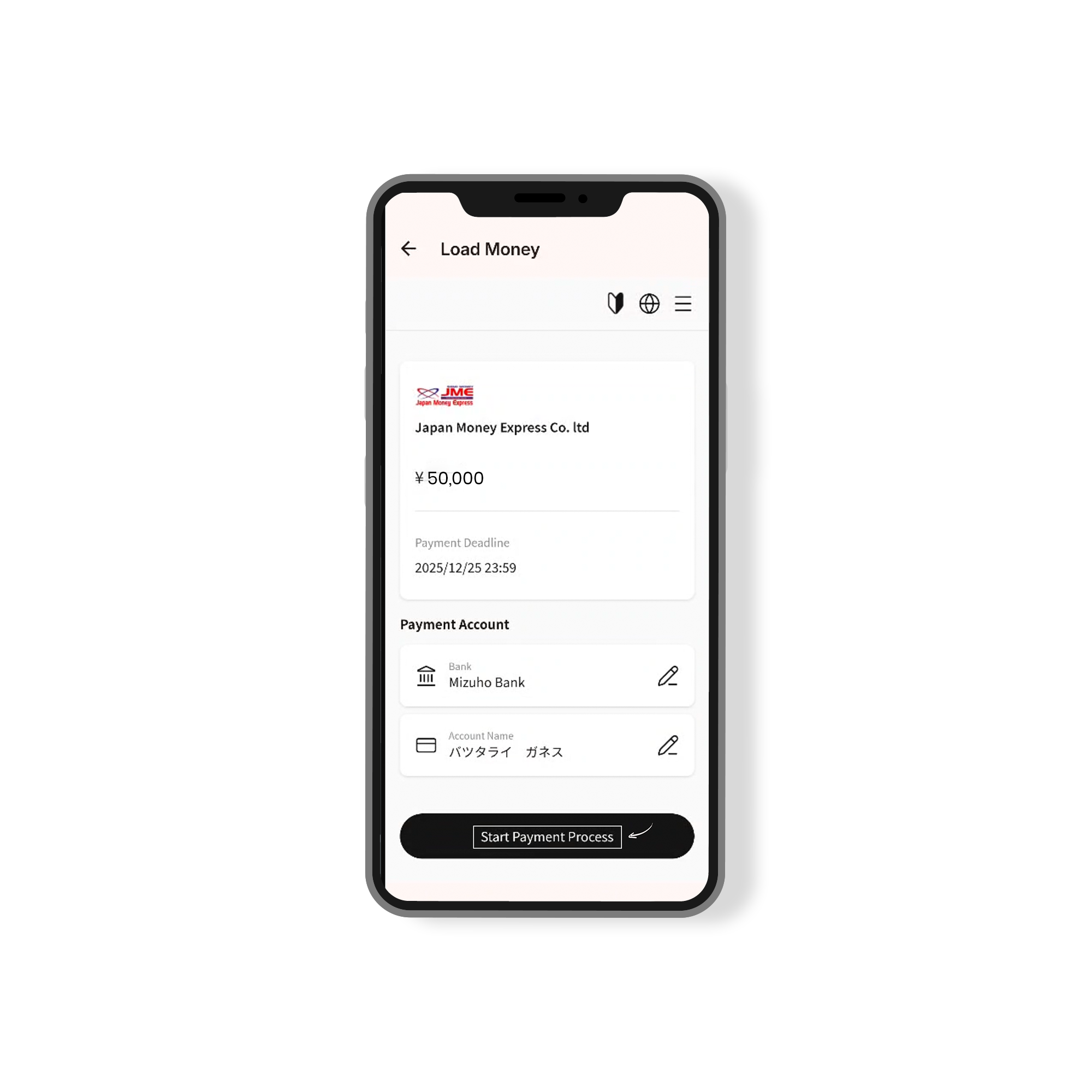
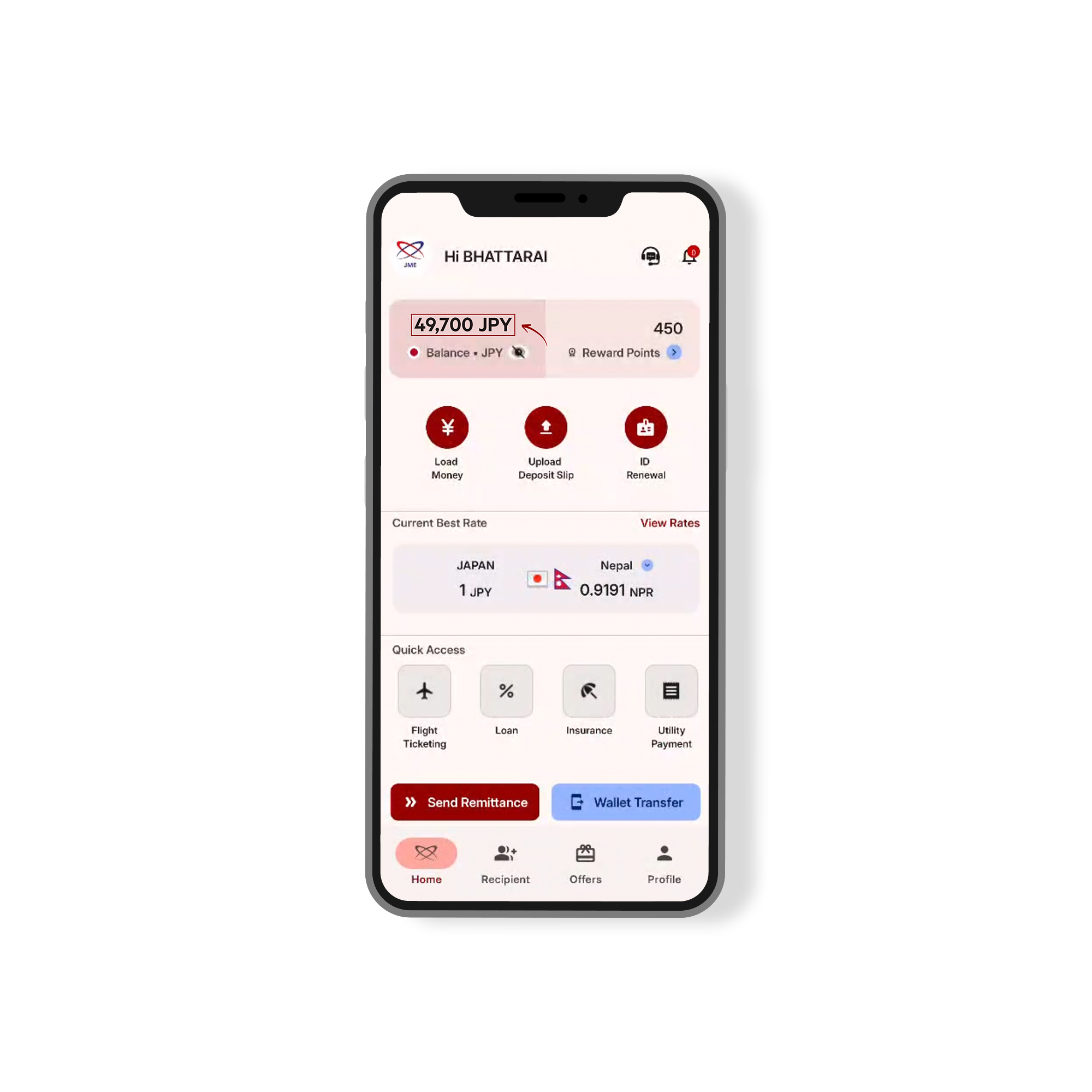
Japan Money Express Wallet has launched an exciting new feature, enabling you to instantly transfer JPY from your bank account to your JME Wallet. This seamless integration, available directly through the “Load Money” section of the JME Wallet app, makes it easy to deposit funds whenever you need.
The service is powered by Bankey Inc. (Japan) and supports real-time transfers. To use this feature, simply register with the internet banking service of your bank and start transferring money directly to your JME Wallet. This feature is compatible with all banks across Japan, including major institutions like Mizuho Bank, Japan Post (Yucho) Bank, MUFG Bank, and SMBC.
Start transferring with ease – your JME Wallet is just a click away!